
Monsty: Let's Practice Math
All four operations, at your child's own level.
1st grade and up
Screenshots
← swipe to see more →
About Let's Practice Math
Monsty: Let's Practice Math is a math practice app for kids from first grade on. Children practice addition, subtraction, multiplication and division in the number range that fits them — from up to 10 all the way to 1000. Several children can each have their own profile, with statistics that show how they're doing and achievements to unlock. And every child picks a favorite monster that cheers them on. No ads, and it works offline.
What's inside
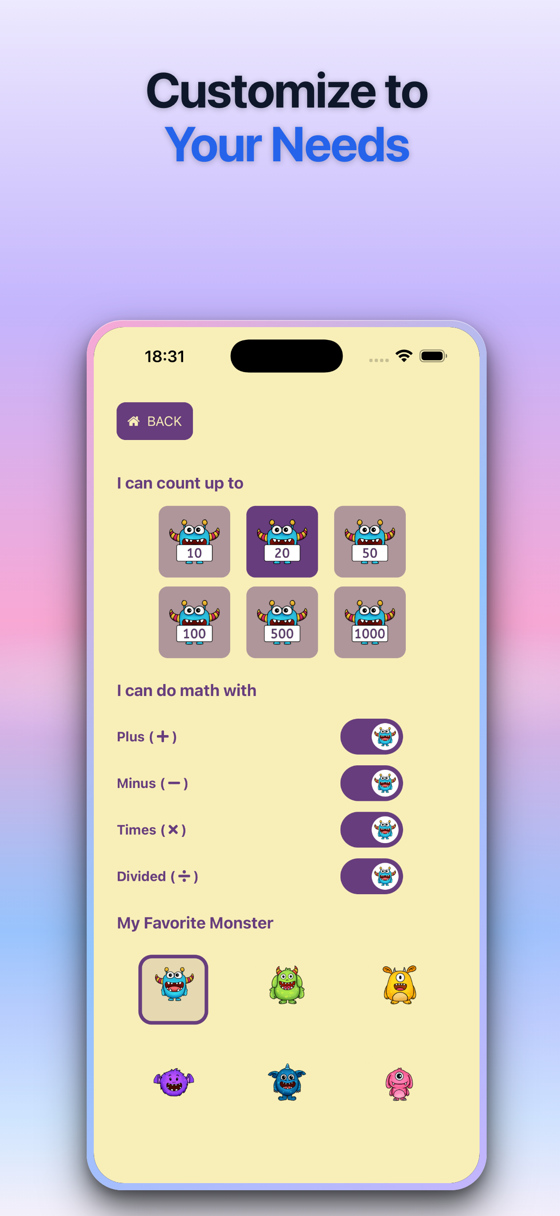
- Addition, subtraction, multiplication and division — switch each one on or off
- Number ranges up to 10, 20, 50, 100, 500 or 1000
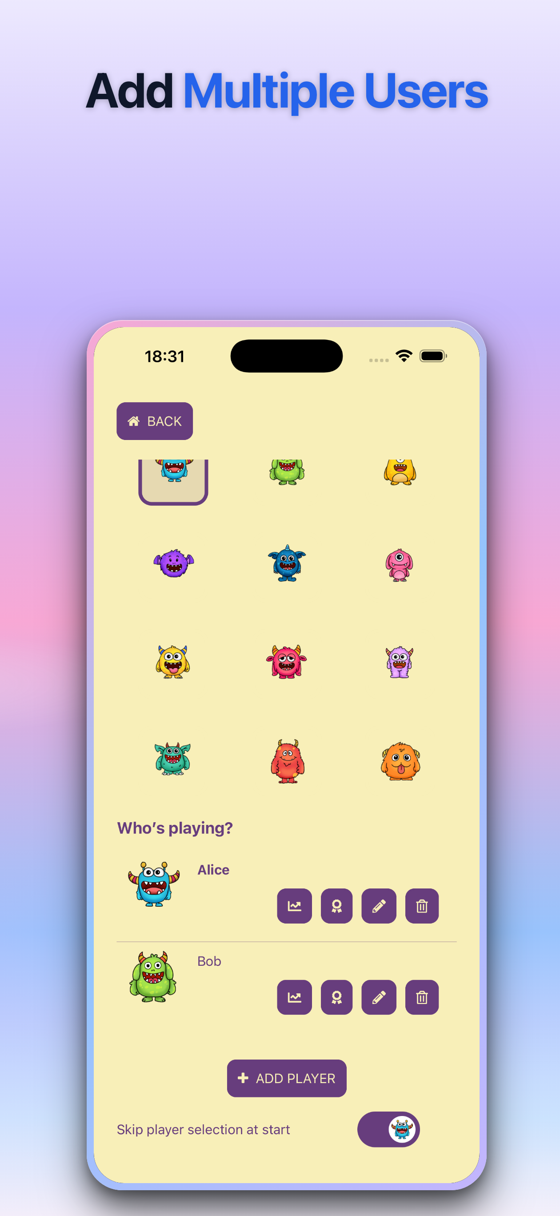
- Profiles for several children on one device
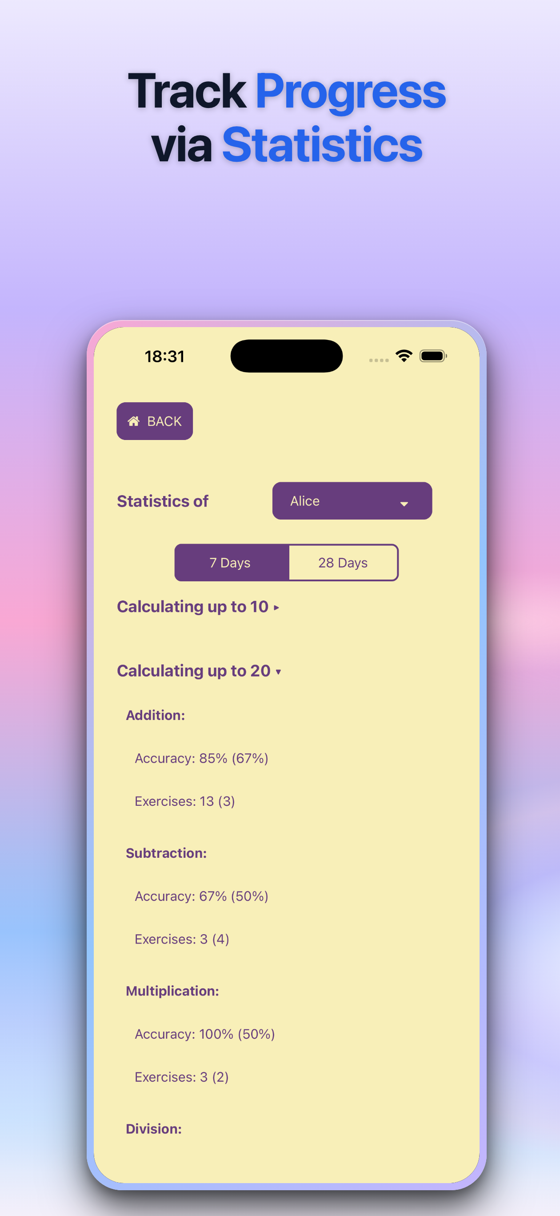
- Statistics per child: accuracy and exercises over 7 or 28 days
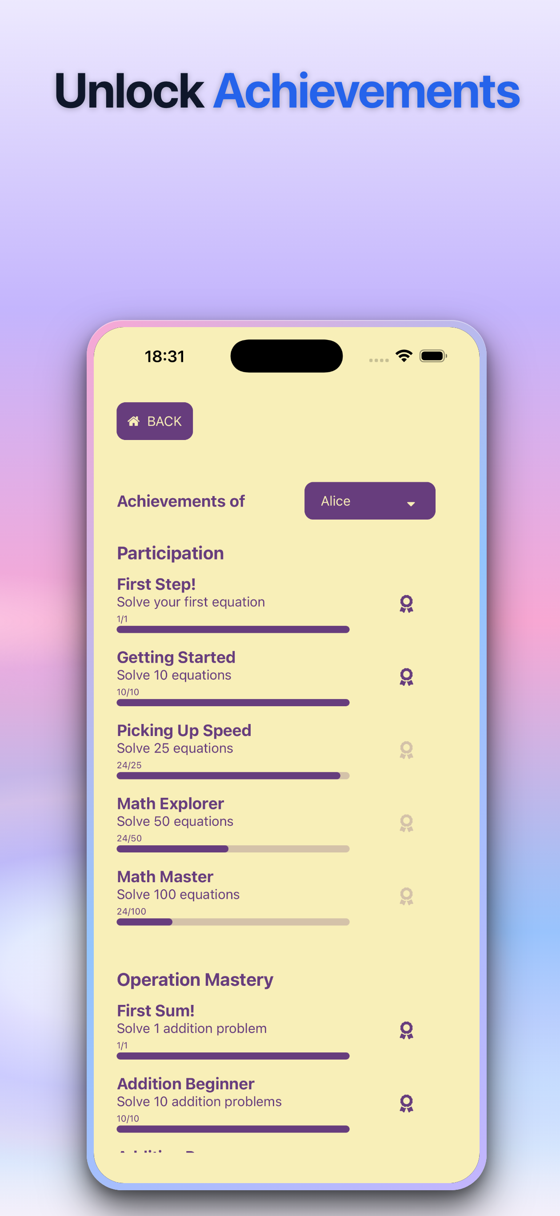
- Achievements to unlock, from the first solved equation to 100
- No ads, works offline, all data stays on the device
How it works
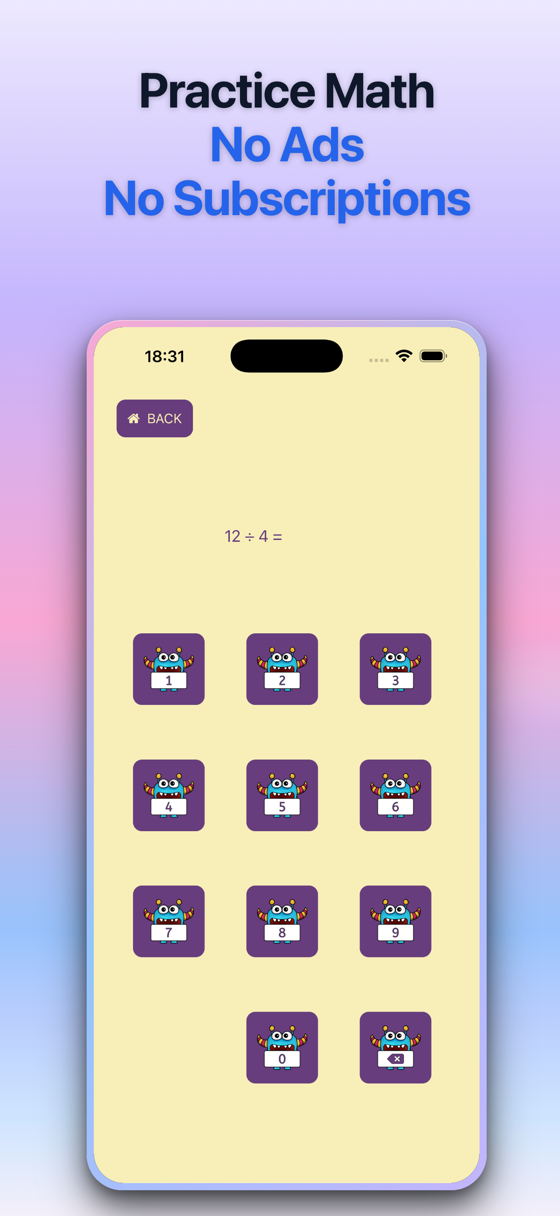
Your child picks their profile and starts practicing. Problems appear one at a time and are answered with a big monster number pad.
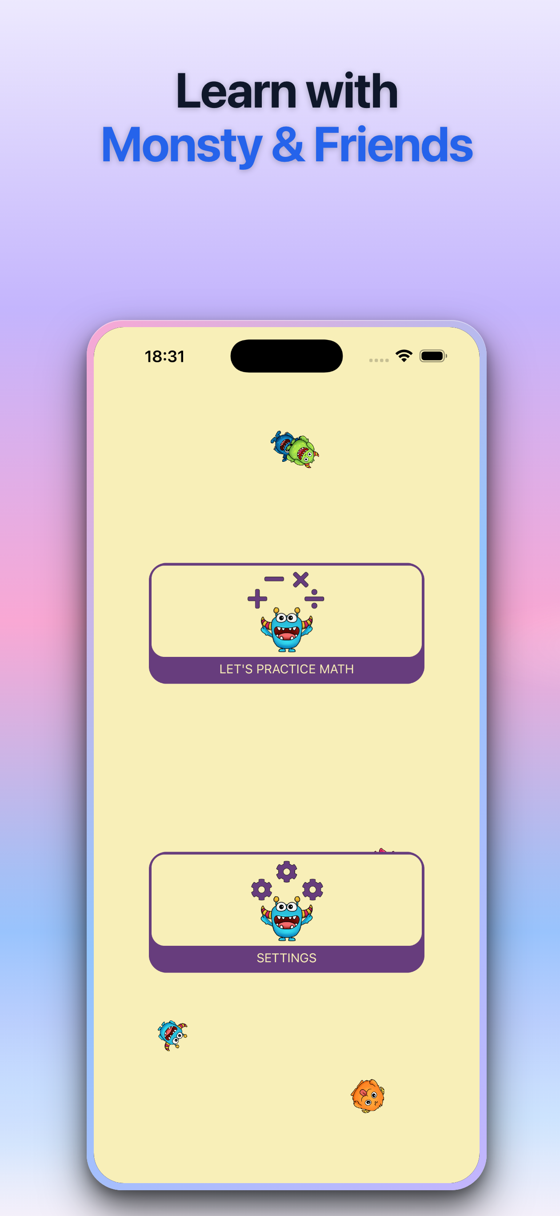
In the settings you choose how far your child can count — up to 10, 20, 50, 100, 500 or 1000 — and which operations to include: plus, minus, times and divided by. Your child can also pick a favorite monster that appears throughout the app.
For each child, the statistics show accuracy and the number of exercises per operation and number range, for the last 7 or 28 days. Achievements reward participation and mastery, such as solving the first, the 10th or the 100th equation.
Who it's for
Let's Practice Math is made for children from first grade up. Because the number range goes from 10 to 1000 and each operation can be switched on or off, it can accompany your child through primary school — and siblings can share one device with their own profiles and statistics.
Which math app fits your child?
-
 First Math Choose First Math for preschoolers and first graders who are just starting with addition and subtraction up to 10 and still count with pictures.
-
 Learn Times Tables Choose Learn Times Tables to understand what multiplication means: each problem is shown as rows of monsters to count, with no timer.
-
 Practice Times Tables Choose Practice Times Tables to practice the times tables with player profiles, statistics and achievements for each child.
-
 Math Experts Choose Math Experts for timed rounds, square numbers and duels against a sibling or parent on one device — for kids and adults alike.
Questions & answers
Which age is Let's Practice Math for?
It's made for children from first grade up. You choose the operations and the number range to match your child's level.
Can several children use it?
Yes. Each child gets their own profile with their own statistics and achievements.
Can I see how my child is doing?
Yes. The statistics show accuracy and the number of exercises per operation and number range for the last 7 or 28 days.
Which devices does it run on?
Let's Practice Math is available for iOS on the App Store and for Android on Google Play.
Does it have ads or in-app purchases?
No. There are no ads and no in-app purchases.
Does it work offline?
Yes. Your child can play without an internet connection.
What happens to my child's data?
Progress and settings are stored only on your device. I don't have access to them. For details, see the privacy policy linked below.

Get Let's Practice Math
Available on the App Store & Google Play.